Back to out now
- Reworked LFEs
- Campaign of the month: Remote Triage with PsTools
- New courses
- Shine a light on what hides
Welcome back to the Cyberbit OUT NOW monthly content release!
October is the season for things that hide in the dark, and this month’s content is full of them. Attackers slip in through a trusted software package, a familiar website, and a routine browser visit, then move quietly through the network before anyone notices. By the time the damage shows, data has already left, files are already encrypted, or machines on the factory floor have already stopped.
The scariest attacks are the quiet ones. Readiness means learning to spot what hides, whether that’s the process that should not be running, the credential quietly leaving the building, or the worm crossing from the office network onto the plant floor.
Let’s open the door and see what’s inside.
Reworked LFEs
Flora (EC2 Data Theft)
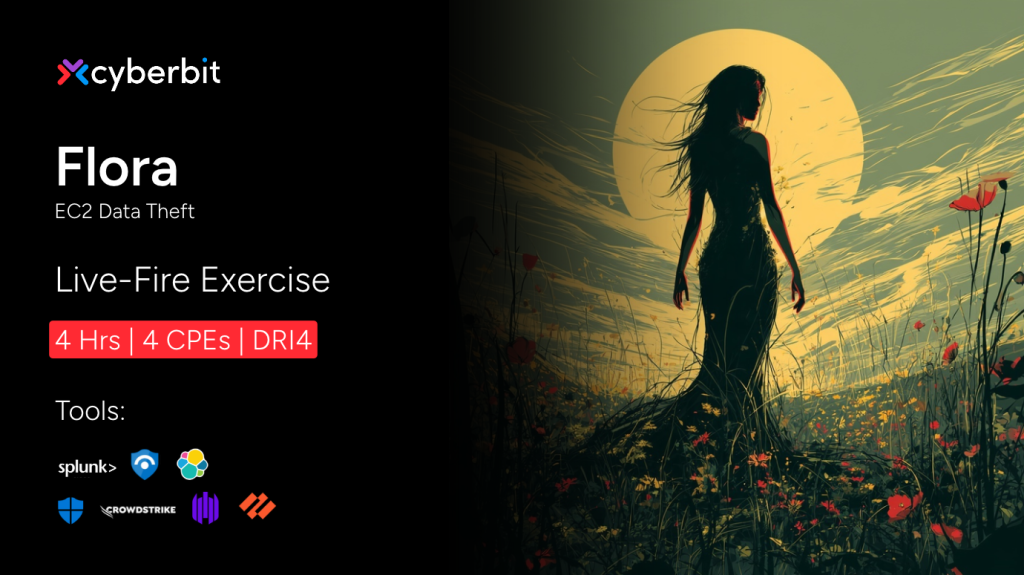
A single Python package is all it takes. A developer at Commensurate Technology installs what looks like a routine urllib3 update, and the trojanized package harvests AWS credentials and SSH keys from the workstation as it installs. On the surface, nothing looks wrong.
From that one machine, the attacker moves into the company’s AWS environment, poisons a shared library in an S3 bucket to compromise an EC2 instance, and abuses the Instance Metadata Service (IMDSv1) to escalate to high-privilege IAM credentials. The backup data then leaves without a single outbound transfer from the network, because the attacker simply shares an EBS snapshot with an external AWS account.
In this LFE, analysts must trace the compromise from the developer’s endpoint into the cloud, follow the credential theft and privilege escalation, and uncover an exfiltration path that leaves almost no trace behind.
Saturnus (Epsilon Red)
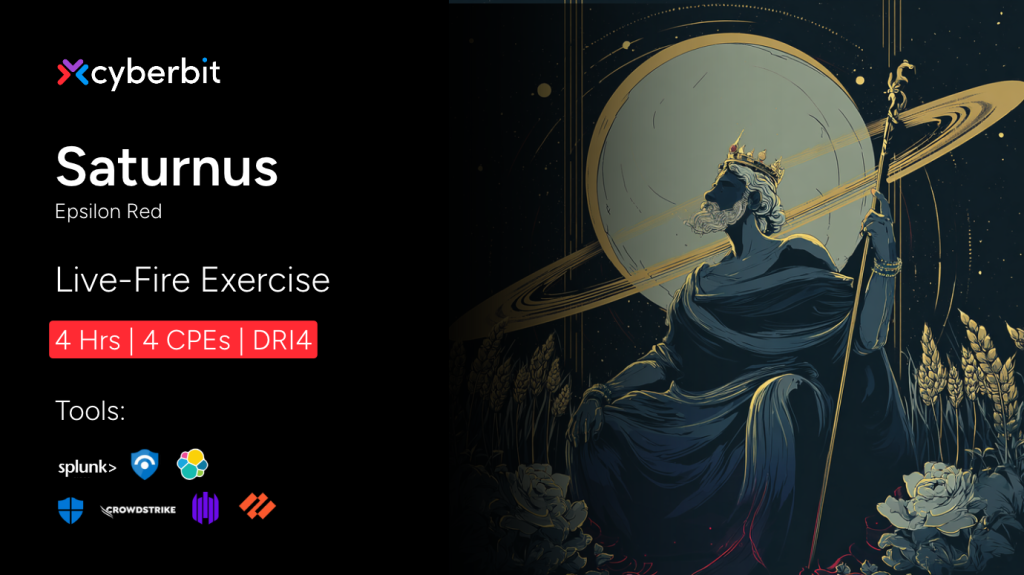
A quick visit to the company forum is where this one begins. An attacker has planted a cross-site scripting payload on Commensurate Technology’s web forum, and when a remote employee browses it over VPN, the page silently drops an Epsilon Red ransomware loader onto their workstation.
What follows happens fast. The loader establishes persistence through scheduled tasks, dumps credentials from LSASS and the SAM database, disables security tools and the firewall, clears the event logs, and deletes volume shadow copies to block recovery. It spreads across the network over SMB, then encrypts files on multiple workstations and leaves a ransom note.
Your team must work the incident from the poisoned forum visit through credential theft, lateral movement, and defense evasion, racing the clock before encryption locks everything down.
Campaign of the month: Remote Triage with PsTools
This month’s campaign is a remote triage scenario, and it pairs naturally with the Sysinternals release. A finance workstation has slowed to a crawl, the user has left for a week off-site, Remote Desktop is blocked to that subnet, and no EDR agent was ever deployed there. All you have is a set of local administrator credentials and a network path to the host.
But wait… there’s something more hiding here! While this campaign gives you a step-by-step guide on how to remote triage with PsTools, we have something very special waiting for you at the end of the article.
New courses
Sysinternals
The Sysinternals course is complete this month, with 13 modules built around the free Sysinternals Suite, the tools experienced analysts reach for when there is no EDR or SIEM to lean on. It moves from the fundamentals of Windows processes to investigating and containing live hosts.
Theory: Introduction to Microsoft Sysinternals
An overview of the Sysinternals Suite, its background, and the security, monitoring, and troubleshooting tools it provides.
Video: Exploring Windows Processes
How Windows processes work, including the threads, handles, and DLLs inside them and the PIDs that identify them, ahead of using Process Explorer.
Hands-on Lab: Introduction to Process Explorer
Participants investigate an oddly behaving workstation with Process Explorer, reading the process tree, filtering by signature and company, checking for command and control activity, and ending the threat.
Video: Introduction to Process Monitor (Procmon)
How to read the file, registry, and process events Procmon captures, and how captures are saved as PML files.
Video: Introduction to PsTools
The PsTools command-line utilities, including PsList, PsKill, PsSuspend, and PsExec, and how to use them to inspect and control processes.
Hands-on Lab: Remote Triage with PsTools
With Remote Desktop blocked and no EDR on the segment, participants use PsTools to triage a single host across the network, trace a suspect process to the service that starts it, and contain the threat without logging in.
Video: Introduction to TCPView
How TCPView shows every TCP and UDP endpoint with its owning process, and how its color highlighting marks new and closed connections.
Hands-on Lab: TCPView Basics
Participants read a TCPView window, compare it with netstat, and work through two background connection patterns: a connection held open indefinitely, and a beacon that checks in on its own schedule.
Video: Introduction to SigCheck
Using Sigcheck to examine the digital signatures of files, including recursing into subdirectories.
Video: Windows Autoruns
How Autoruns lists everything configured to start automatically, and what its color coding means, such as unsigned entries or missing target files.
Hands-on Lab: Investigating Persistence with Autoruns
After a self-deleting phishing payload runs, participants use Autoruns to filter out the normal Windows baseline, find three separate persistence mechanisms across the Logon, Scheduled Tasks, and Services tabs, and remove them.
Video: Analyzing Strings
Extracting printable strings from files with the strings64 utility, setting a minimum string length, and the limits of string extraction.
Challenge: Sysinternals Suite
A capstone with no guided path and no EDR or SIEM, where participants use the full suite to identify a rogue process, recover its hardcoded command and control configuration without running it, map its persistence, and then investigate and contain a second, non-domain-joined host remotely.
AI Governance, Risk & Compliance
The AI Governance, Risk & Compliance course is also complete this month, rounding out the two modules introduced in September. Across the 10 new theory modules, the course works through how to govern AI over its whole lifecycle, built for the people who decide whether AI can safely enter their operations.
Why AI Needs Its Own Governance, Risk, and Compliance Approach
Uses the Air Canada chatbot liability case to separate established GRC, AI security, and AI governance, and names the four decisions that need an owner.
AI Governance Structures and Roles
Centralized, federated, and embedded governance models, the build and oversight roles governance depends on, and how decision rights and separation of duties work.
Understanding AI Risk
How bias, data leakage, IP exposure, reputational harm, and performance degradation arise and scale with AI, drawing on the NIST AI Risk Management Framework.
Responsible AI Principles
What fairness, transparency, accountability, privacy, and related principles require, the evidence for each, and how to govern the trade-offs between them.
AI Standards and Frameworks
What ISO/IEC 42001, the OECD AI Principles, and the NIST AI Risk Management Framework provide, and how voluntary instruments become contractual or legal requirements.
AI Regulation in the EU, UK and US
How the EU AI Act, the UK’s regulator-led approach, and the layered US landscape differ, and how to work out which one applies to a given use.
Global AI Regulatory Approaches
A method for finding AI requirements in a jurisdiction without assuming it has an AI act, worked through China, India, the UAE, and Singapore.
Corporate AI Policy and Third-Party Risk
Turning regulation and standards into a usable AI policy, covering sanctioned tools and data, private versus public model deployments, and how to evaluate an AI vendor.
AI Impact Assessments
Where an AI impact assessment belongs in the lifecycle, what a complete one records, and the EU AI Act’s Fundamental Rights Impact Assessment.
AI Documentation and Incident Response
The documentation that shows a system was governed while it ran, from model and system cards to logs, and how incident response and the EU AI Act’s reporting deadlines apply when the harm comes from an AI system.
Shine a light on what hides
This month’s release is a tour of threats that hide in trusted places and do their worst before anyone looks twice: a package that steals as it installs, a forum visit that ends in ransomware, and a website that reaches all the way onto the factory floor.
Readiness is all about practicing how to find these threats in the light, before they find you in the dark.
Ready to see what your team uncovers? Book your next Live-Fire Exercise, or book a demo to watch your SOC take on the threats that prefer to stay in the shadows.
- Reworked LFEs
- Campaign of the month: Remote Triage with PsTools
- New courses
- Shine a light on what hides
